I’m excited to announce MindVista 0.5.5 — a release focused on smoother navigation, better collaboration with AI agents, and finer-grained control over how each map is displayed.
Here is what’s new.
Map file format 1.1: every map now has a UID
The map file format has been bumped to 1.1. Every .mvst file now carries a top-level uid (a UUID) that uniquely identifies the map. This identifier is the foundation for the new per-map state features described below.
Existing 1.0 files still load without any manual conversion: a fresh uid is generated on load and persisted on the next save.
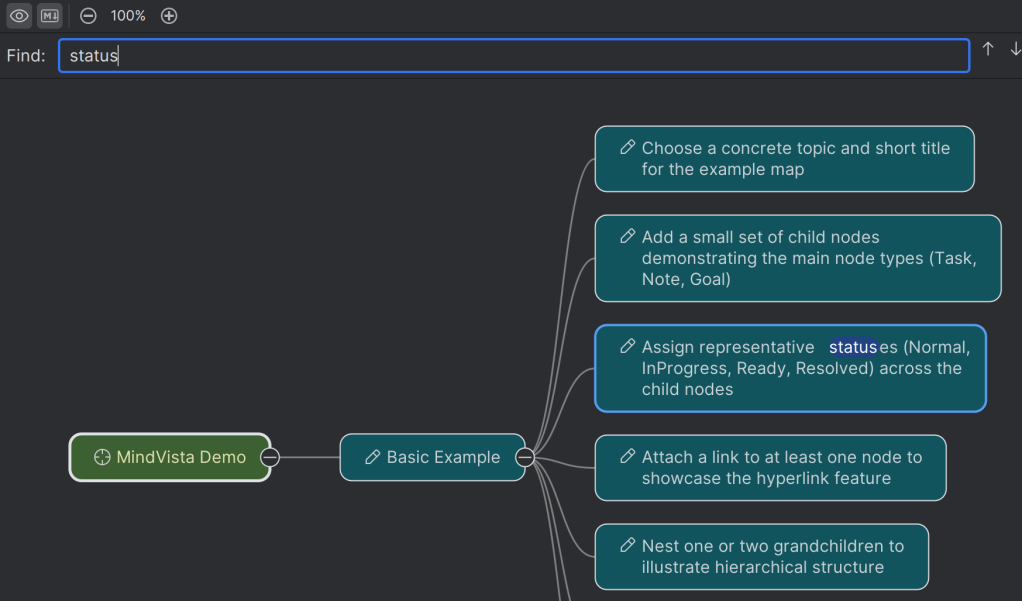
Ctrl+F: search in the map
You can now press Ctrl+F anywhere on the map to quickly find nodes by their text.
Auto-scroll to newly added nodes
Whenever a new node is added via Insert the map now automatically scrolls so that the new node becomes visible.
A new Ready status for AI-agent workflows
Working with AI agents on your maps now has a clearer hand-off point. A new node status Ready sits between InProgress and Resolved in the status menu.
The MindVista AI agent now marks a node as Ready at the end of processing (instead of jumping straight to Resolved), so you — the human — can review the result before fully resolving it.

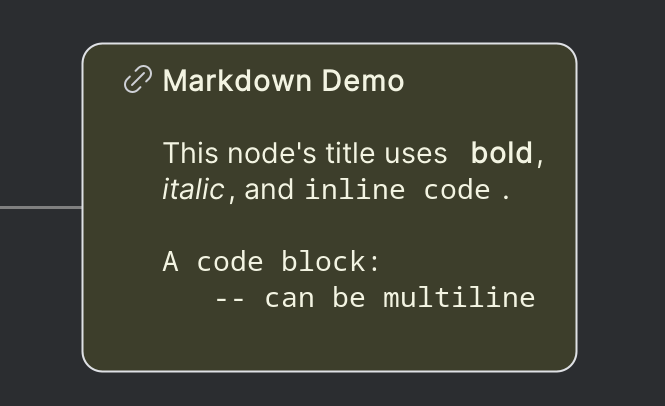
Basic Markdown highlighting inside nodes
Node titles now get lightweight Markdown formatting: **bold**, _italic_ and `code` render as bold, italic and monospaced text, with the surrounding markers hidden. Great for emphasising key terms or referencing identifiers without cluttering the title.
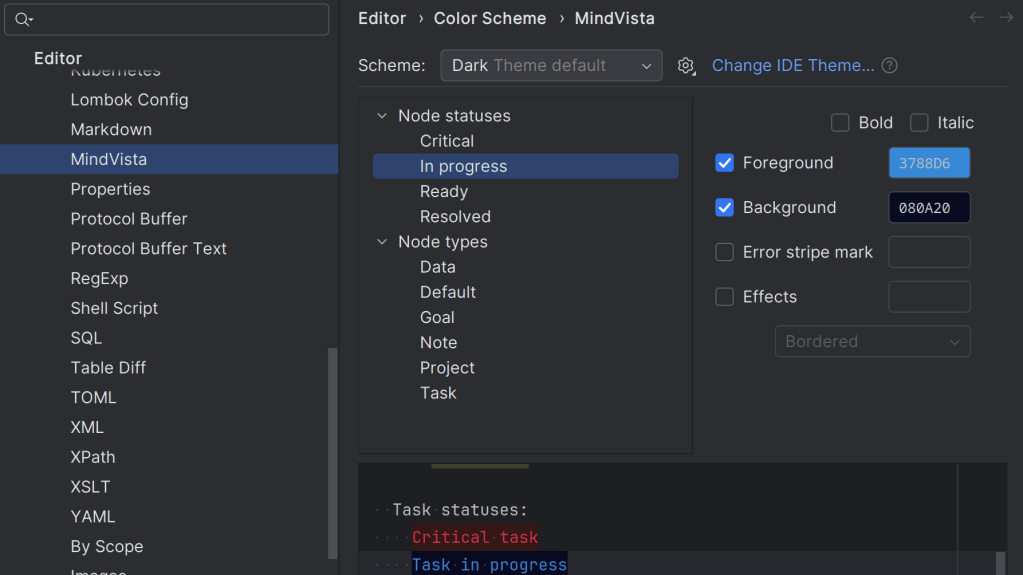
Editor Color Scheme support
MindVista now integrates with the IDE’s color scheme mechanism. You can customise MindVista colors from Settings | Editor | Color Scheme | MindVista, and switch or theme them together with the rest of your IDE.
Per-map view settings
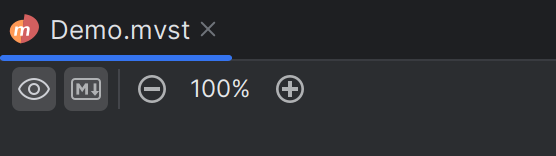
Every map now remembers its own view state, keyed by the map’s uid and stored in .idea/workspace.xml:
- The Show Resolved Nodes editor toolbar toggle.
- The Show Markdown editor toolbar toggle — which controls whether Markdown formatting is rendered inside node titles.
- The zoom factor selected via the zoom-in / zoom-out toolbar buttons is remembered per map, so each map opens back at the zoom level you left it at.
Under the hood, per-map view flags are now stored in a single MapState element keyed by the map’s uid.
Upgrade
Just update the MindVista plugin from Settings | Plugins in your JetBrains IDE. Your existing maps will keep working, and the new features light up automatically the first time you open a map.
I’d love to hear your feedback — please report issues, ideas and suggestions on the issue tracker.


